Shoot, develop, and restore. Your pocket film darkroom.
Capture moments with 37 real-time film and Y2K digicam lenses, frame them in a 4-cut photobooth, fine-tune in the Darkroom, and bring faded memories back to life with AI.
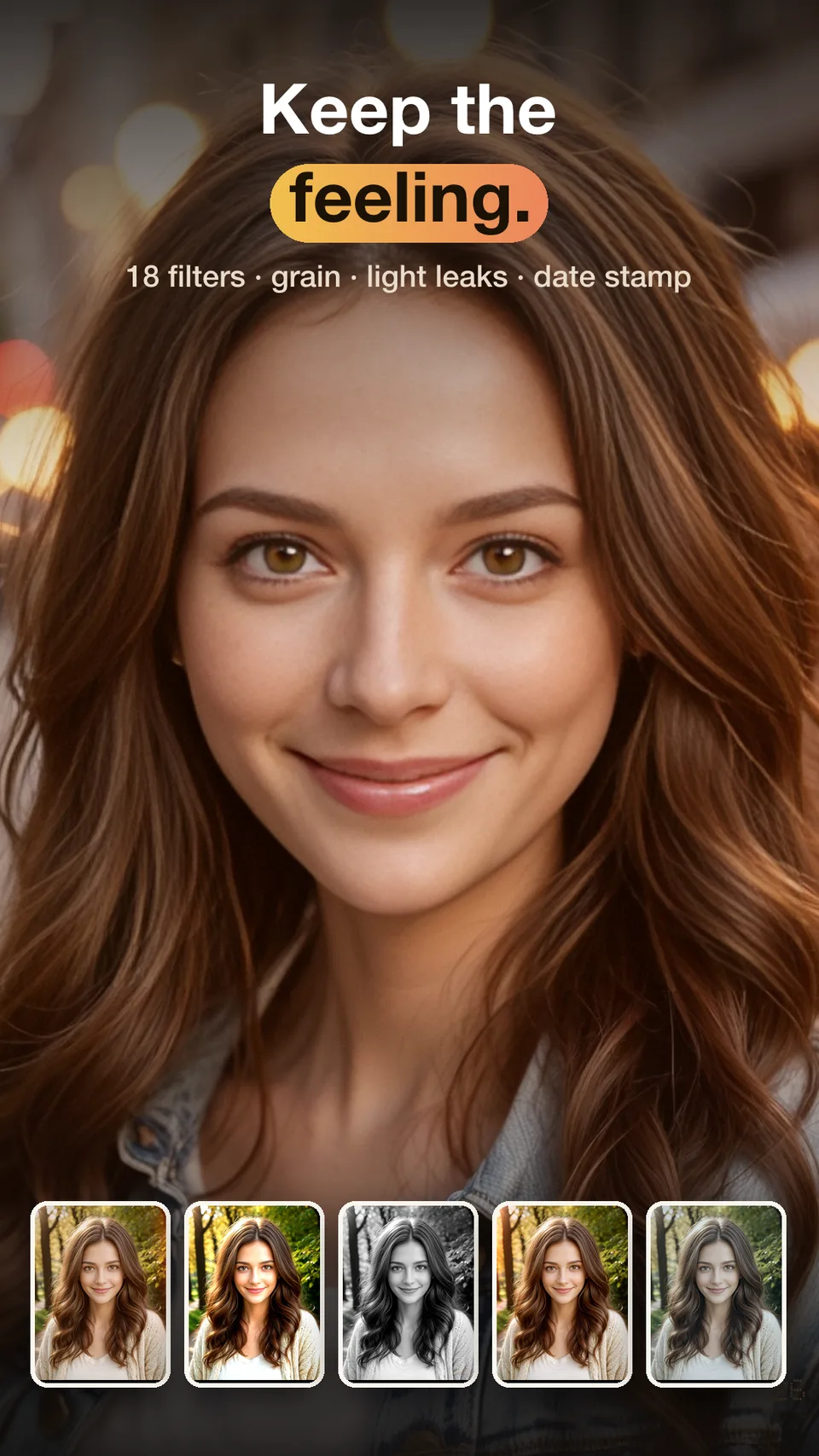
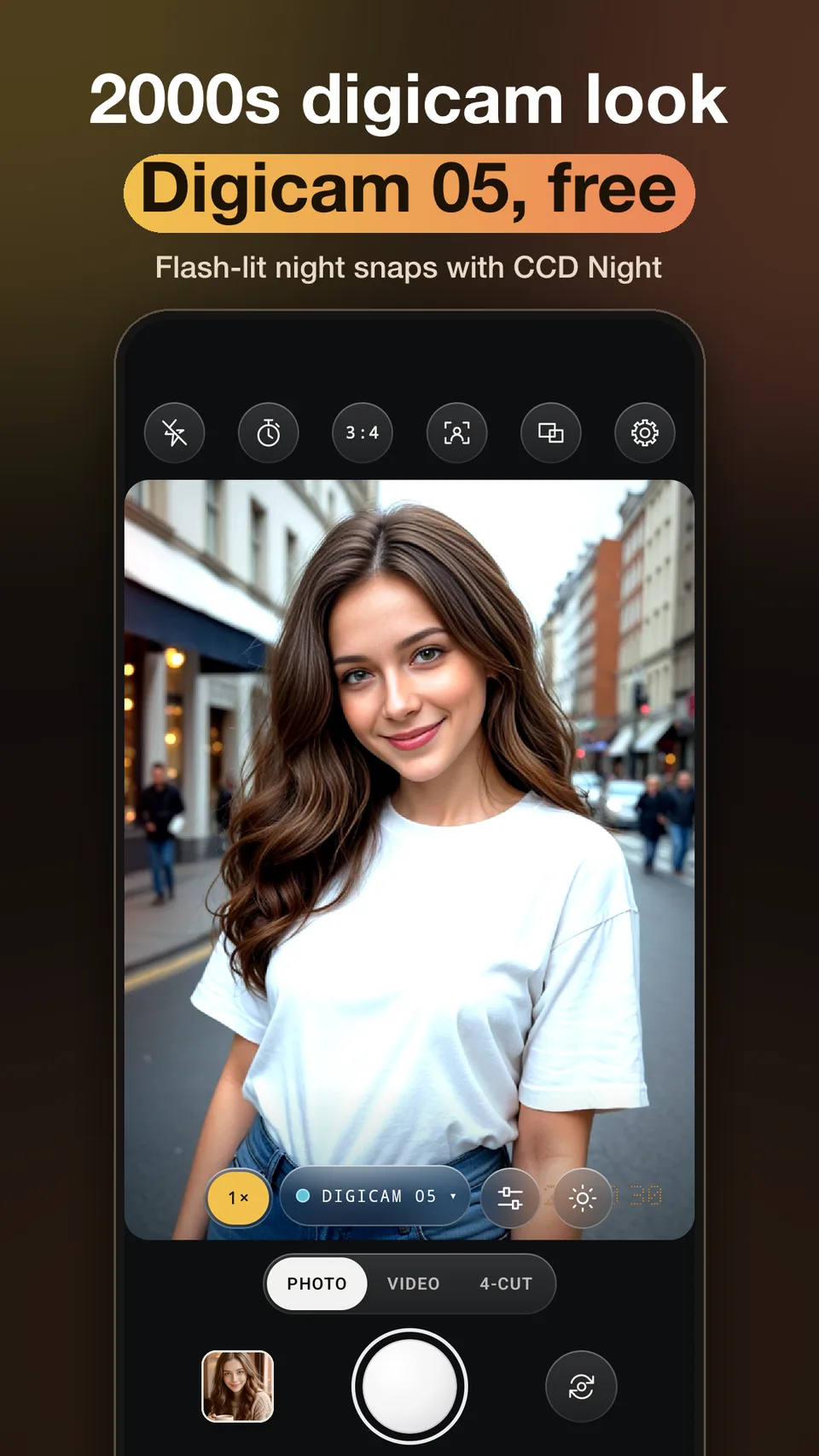
No more juggling separate apps for shooting, editing, and restoring.
From live vintage camera capture and darkroom grading to 4-cut strips, AI restoration, and shared group albums.
37 Real-Time Film & Digicam Presets
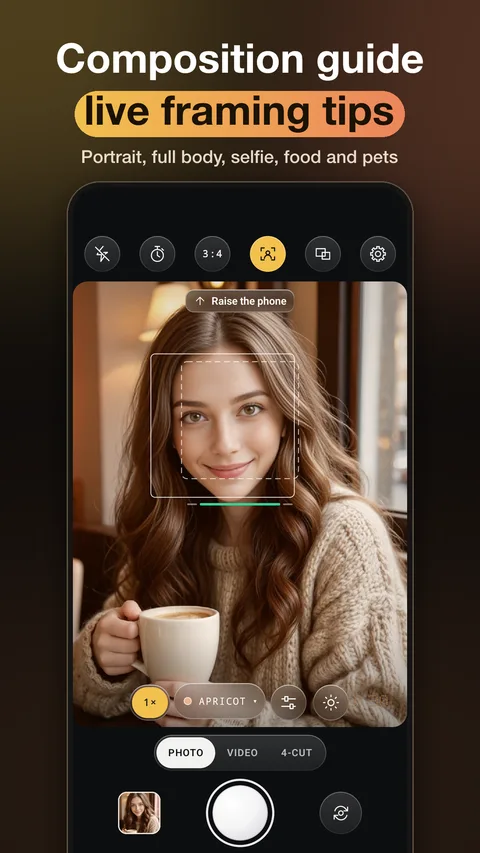
Preview classic color negative, B&W, cinematic stocks, 90s disposable cameras, 2000s Y2K CCD digicams, and Polaroid looks live in the viewfinder.
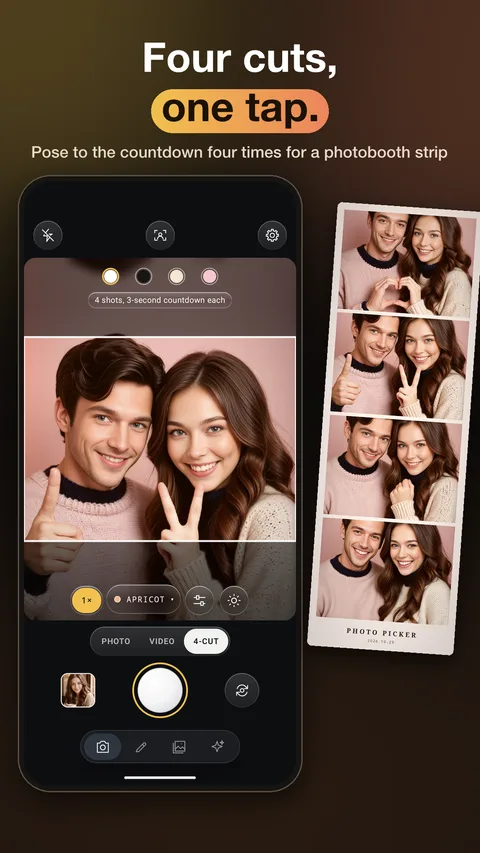
4-Cut Photo Booth & Collages
Arrange 2 to 4 photos into 1x4 vertical strips, 2x2 grids, or Polaroid frames with custom borders, date stamps, and stickers.
Darkroom Precision Controls
Dial in exposure, contrast, warmth, vignette, film grain, light leaks, halation, and preset strength from 0 to 100%.
AI Restoration & Style Transfer
Unblur and colorize faded family photos or transform everyday snapshots into 8 AI art styles including Ghibli-inspired anime, watercolor, and pixel art.
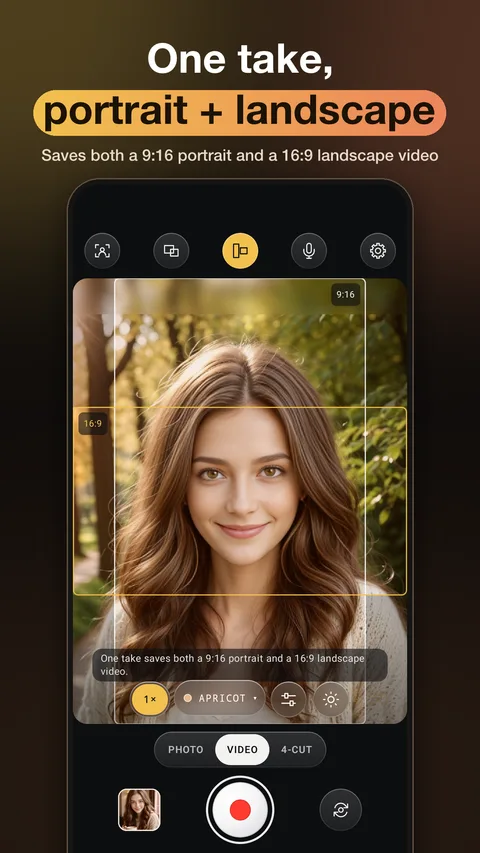
What people create with Photo Picker
Authentic 2000s Y2K CCD Digicam & 90s Disposable Camera Snaps
Preview authentic film grain, warm halation, light leaks, and nostalgic orange date stamps directly in the live camera viewfinder before pressing the shutter. Choose from 37 curated presets across Classic Color, B&W, Cinema, 90s Disposable, Y2K Digicam, and Instant film packs.
Korean-Style 4-Cut Photo Booth Strips Anywhere
Skip the line at physical photo booths. Snap four poses with friends or pick shots from your camera roll, drop them into a 1x4 vertical strip or 2x2 grid, customize the frame color and date stamp, and save high-resolution prints ready for Instagram Stories.
Restoring & Colorizing Faded Vintage Family Albums with AI
Snap a picture of an old, out-of-focus, or black-and-white family photograph from your parents' album. Photo Picker's AI restoration engine sharpens facial details, cleans up motion blur, and adds natural color to monochrome prints.
Transforming Travel Photos into Anime & Sharing via 6-Digit Group Albums
Turn portraits, pets, or travel scenery into 8 distinct AI art styles—such as Ghibli-style anime, watercolor, oil painting, cyberpunk, or retro pixel art—and collect everyone's trip photos in one shared album using a simple 6-digit invite code.
FAQ
What is the best app to take Y2K digicam and vintage film photos with real-time preview?
Photo Picker offers 37 real-time film and digital camera presets—including 2000s Y2K CCD digicams, 90s disposable cameras, classic color negatives, black-and-white stocks, cinematic looks, and instant film—complete with live film grain, light leaks, and retro date stamps in the viewfinder.
Can I apply film presets and grain to photos already in my gallery?
Yes. Open any existing photo in the built-in Darkroom editor to apply all 37 film presets, adjust preset intensity (0–100%), and fine-tune exposure, contrast, temperature, vignette, grain, light leaks, and halation with a one-tap Before/After comparison.
Does Photo Picker also restore blurry or black-and-white old photos?
Yes. Photo Picker integrates the AI restoration engine from RestorePicker, allowing you to sharpen blurry or low-resolution vintage photos, enhance facial clarity, and colorize black-and-white family photographs in seconds.
How do I make a 4-cut photo booth strip on my phone?
In the Photo Booth mode, either take 4 consecutive shots with the timer or select 2 to 4 photos from your gallery. Choose a 1x4 strip, 2x2 grid, or Polaroid layout, pick a frame background color, add a date stamp or caption, and export directly to your gallery.
Can I convert normal photos into anime or pixel art illustrations?
Yes. The AI Style Transfer tool transforms any portrait, pet, or landscape photo into 8 curated artistic styles, including Ghibli-inspired anime, soft watercolor, classic oil painting, cyberpunk neon, and retro pixel art.
Which features are free and how do credits work?
Basic film camera shooting, Darkroom adjustments, and 4-cut photo booth frames are free to use. Unlocking all 37 Pro film presets and running cloud-powered AI photo restoration or AI style conversions can be done with free trial credits, credit packs, or a Pro plan.
Film camera capture, Darkroom editing, and 4-cut frames run right on your phone. AI style transfer and old photo restoration use cloud AI credits.
Capture today's moments in timeless film.
Free to start on Google Play.