Five seconds from the side. See your form.
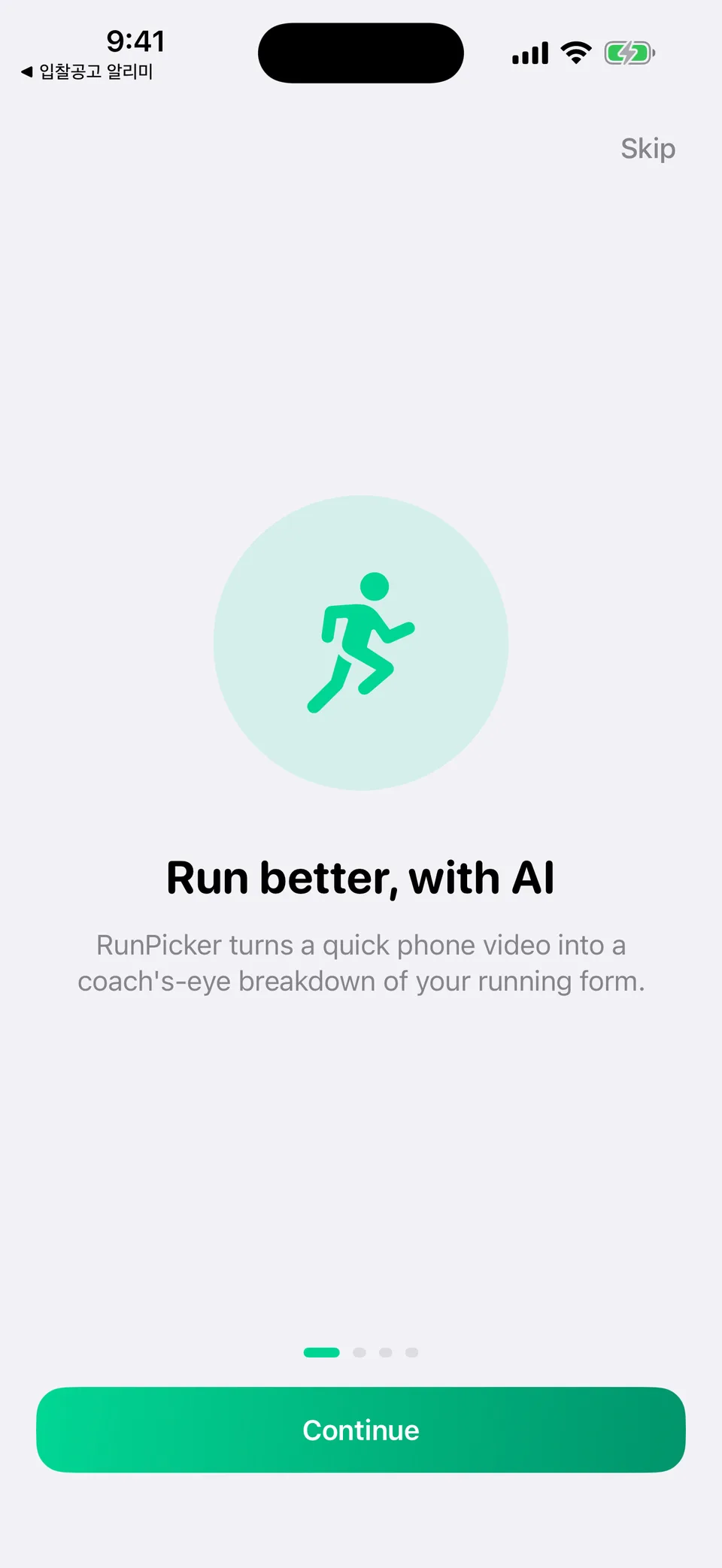
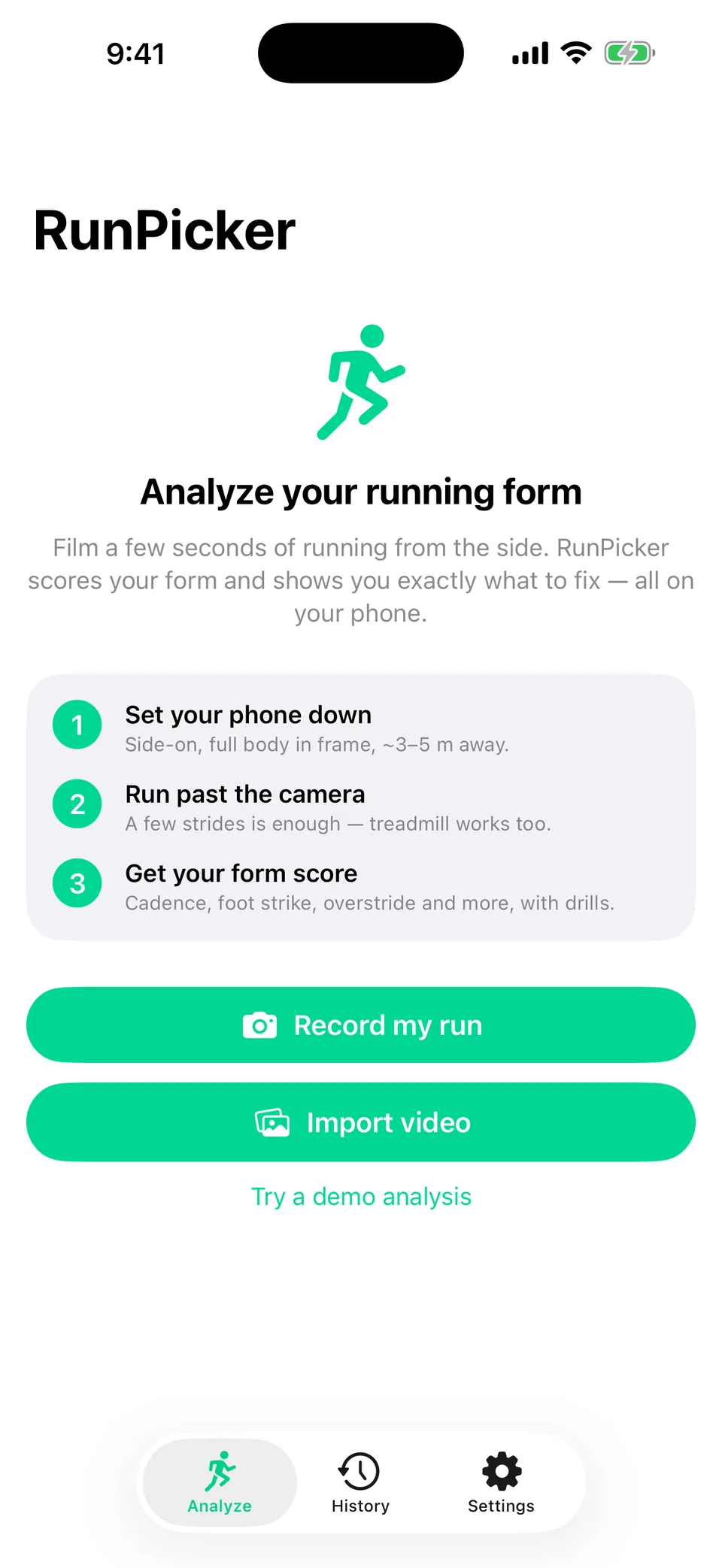
Film your run with your phone. AI tracks your joints and scores your form from 0 to 100. All on your device.
Measured. Not guessed.
Eleven metrics, from cadence to hip extension.
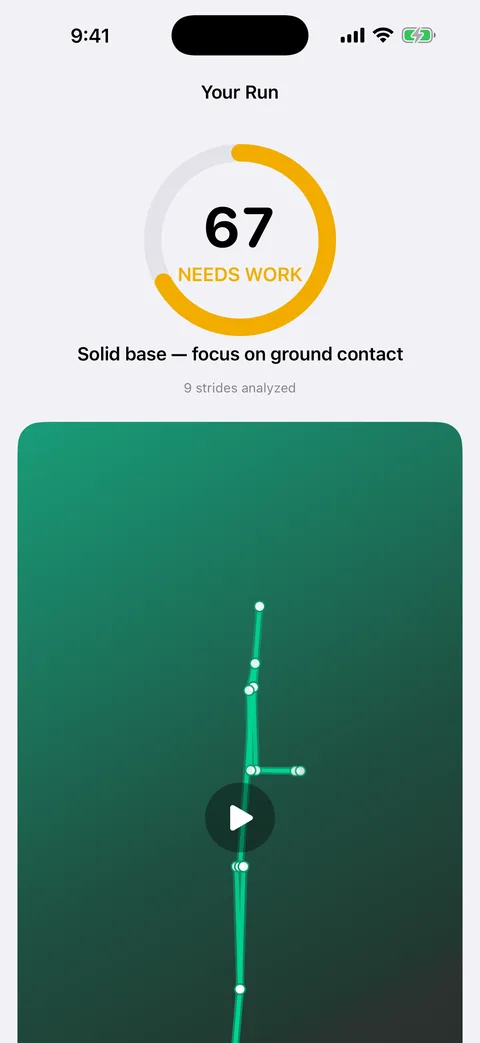
A 0–100 form score
Every joint, tracked frame by frame. Your form, turned into a score.
Skeleton overlay
A skeleton overlay on your video shows exactly how you move.
Targeted drills
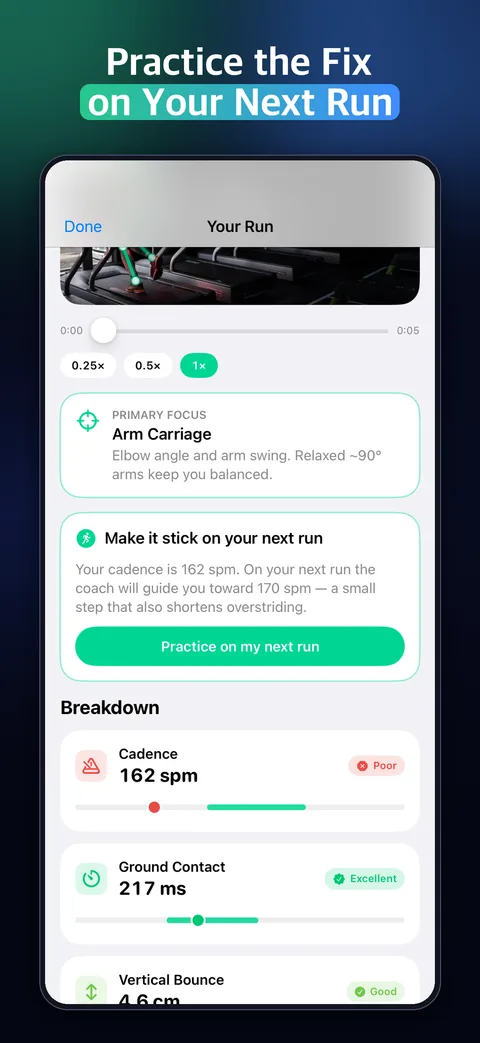
It finds your biggest weakness. Then gives you a drill to fix it.
Honest scores
If it can't measure something, it tells you. No made-up numbers.
Live voice coaching
Pace, splits and heart-rate zones, spoken as you run. On Android.
Runs, plans and shoe mileage
Intervals, beginner plans, run history and shoe mileage. On Android.
How runners use RunPicker
Solo Running Form Check at the Track, Park, or Treadmill
Prop your phone up from the side and film 5 to 10 seconds of your stride. On-device AI tracks 33 body landmarks to give you an overall 0–100 form score and a skeleton overlay showing torso lean, arm swing, and knee angles.
Detecting Overstriding & Improving Cadence to Reduce Joint Stress
Check 11 biomechanical metrics—including foot strike relative to center of mass (overstride), cadence (steps per minute), ground contact time, and vertical oscillation—and follow targeted corrective drills matched to your weak points.
Real-Time Audio Voice Coaching While You Run (Android)
On Android, plug in your earbuds for live voice cues on pace, cadence, and split alerts so you can keep a steady rhythm without constantly glancing at your watch or phone.
Structured 5K/10K Training Plans & Running Shoe Mileage Tracking
Follow guided beginner-to-intermediate interval plans and log cumulative kilometers on each pair of running shoes so you know when midsole cushioning is worn out.
FAQ
Is there an app that analyzes my running form from a phone video?
Yes. RunPicker analyzes a 5–10 second side-view video of you running (outdoors or on a treadmill), tracking joint landmarks frame by frame to score your running form from 0 to 100 across 11 biomechanical metrics.
Which 11 running biomechanics metrics does RunPicker measure?
It evaluates cadence, overstride (foot landing relative to center of mass), ground contact time, vertical oscillation, forward torso lean, knee flexion at landing, shin angle, arm swing angle, hip stability, head alignment, and stride symmetry.
Are my running videos uploaded to a cloud server?
No. Pose estimation and biomechanical analysis run 100% on-device on your iPhone or Android phone. Your videos stay on your phone and are never uploaded to external servers.
How should I film my video for the most accurate gait analysis?
Place your phone at hip-to-chest height about 3–5 meters (10–16 feet) to your side so your full body from head to toe stays in frame for 5–10 seconds of steady running. Both outdoor paths and gym treadmills work well.
Does RunPicker give exercises to fix bad running habits?
Yes. Based on your lowest-scoring metrics—such as low cadence, excessive bounce, or overstriding—the app recommends specific running drills and form cues. Note that RunPicker is a fitness coaching tool and not a medical or injury diagnosis device.
Is RunPicker available on both iOS and Android?
Yes, RunPicker is free to start on both the App Store and Google Play. Video form analysis, 11-metric reports, skeleton overlays, and corrective drills are available on both platforms, while live voice coaching, interval plans, and shoe mileage tracking are currently available on Android.
RunPicker helps you analyze running form with AI and is not a medical app for diagnosing or treating injuries. Available now on the App Store and Google Play.
Five seconds before your next run.
Start free. No wearables, no markers. Available on iPhone and Android.