Your still character, breathing and moving.
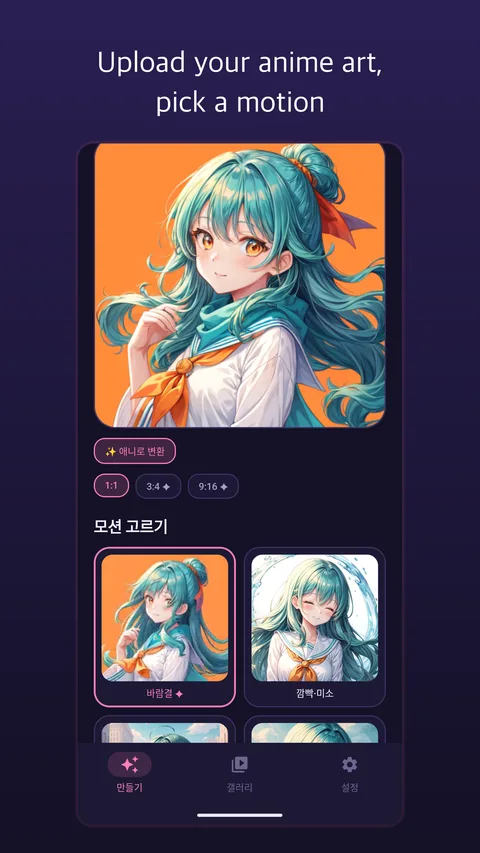
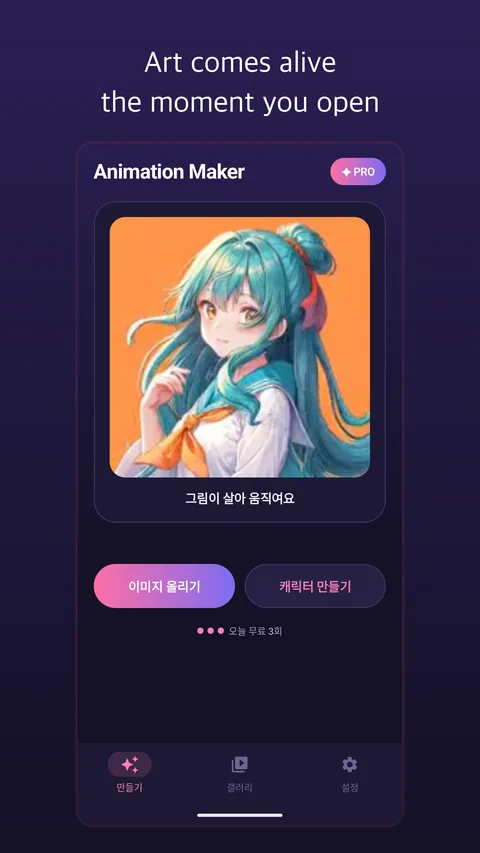
Pick a single anime illustration or photo, choose a motion preset, and watch hair sway, eyes blink, and cameras pan in seconds.
No rigging, no separated layers, no timeline keyframes.
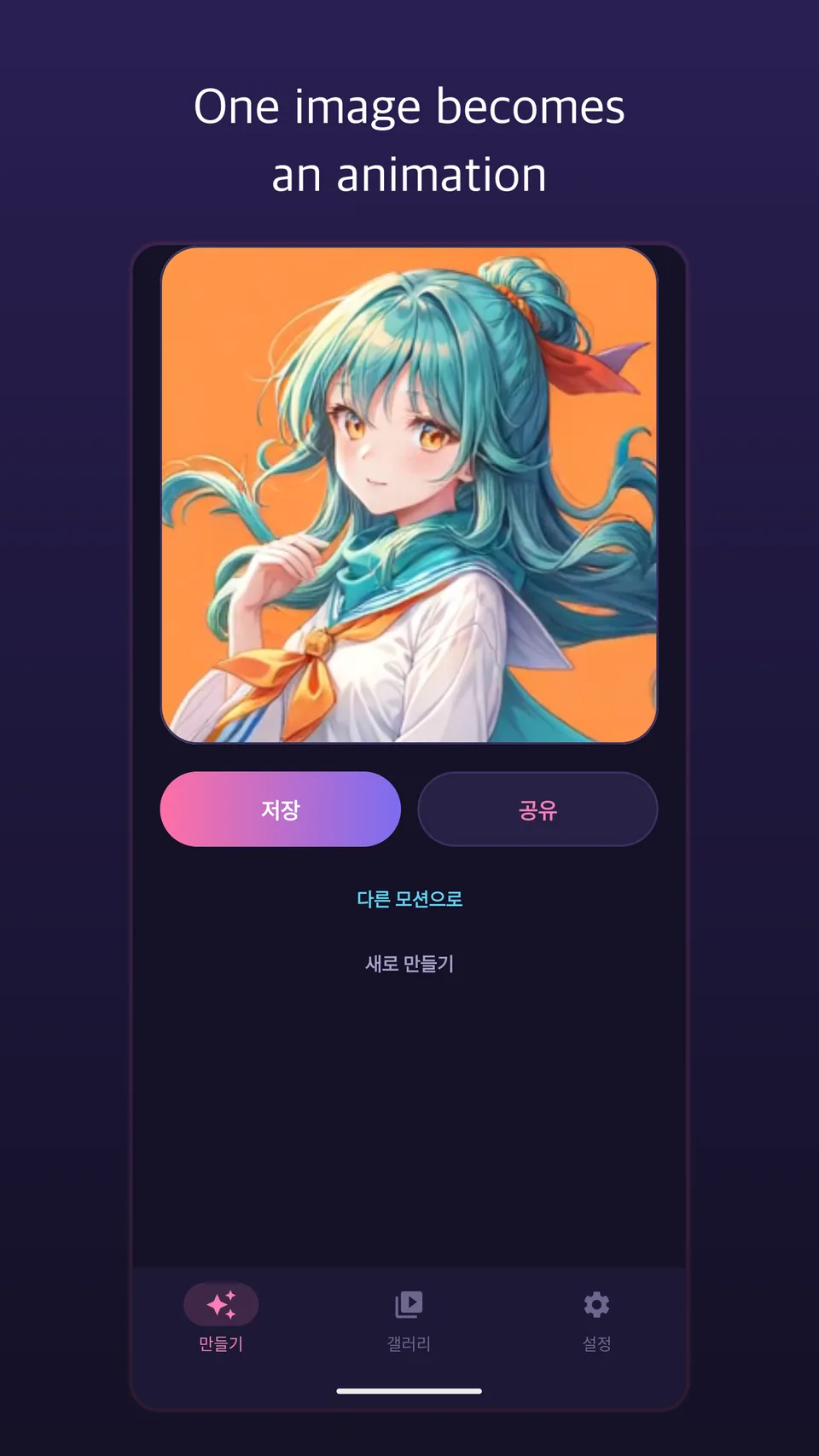
Turn a single flat image into vertical anime video clips ready for Reels, YouTube Shorts, and TikTok.
One Picture Becomes a Video
Upload any saved anime illustration or character drawing to generate smooth video clips with natural blinking, flowing hair, and camera motion.
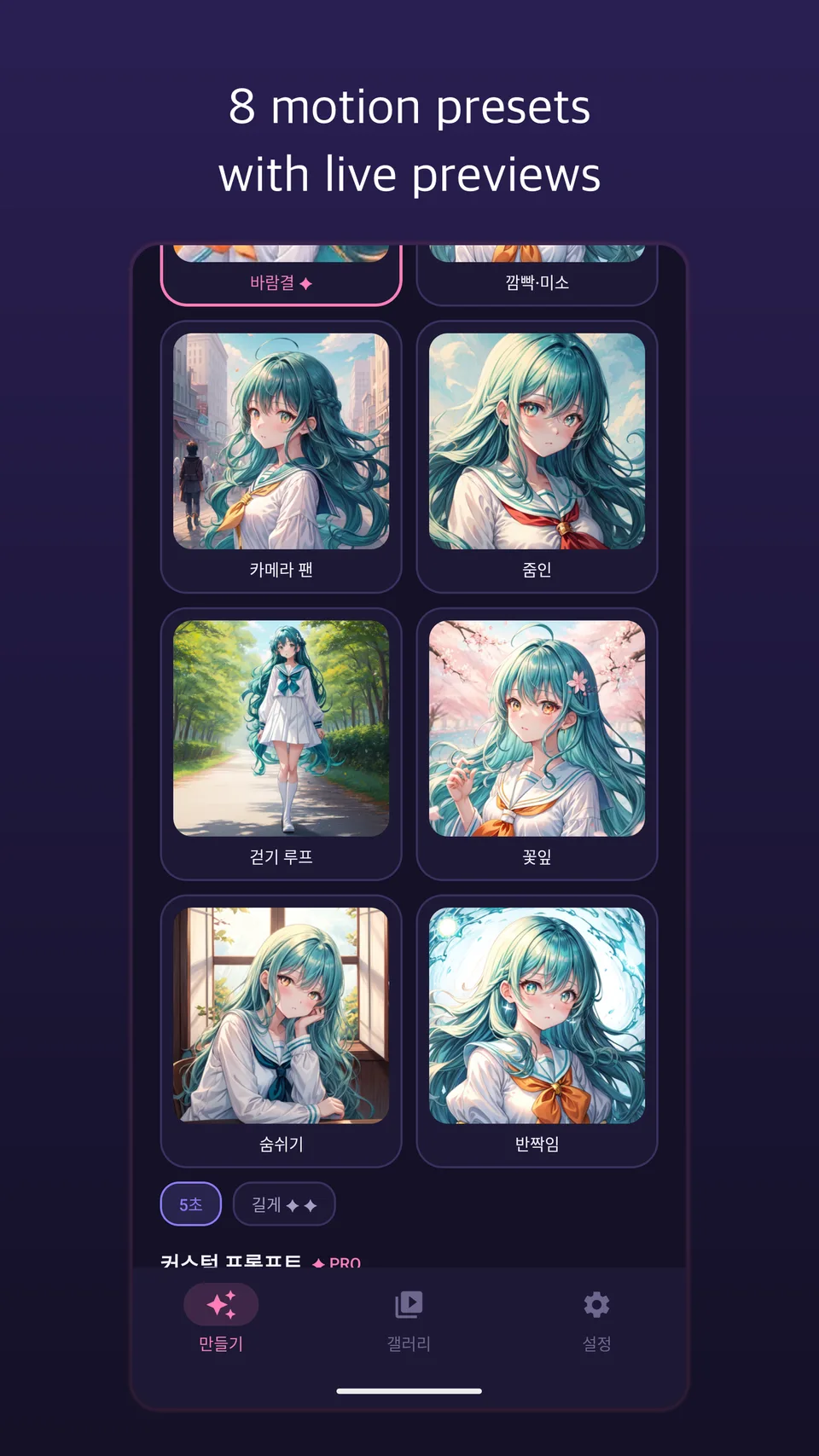
8 One-Tap Motion Presets
Apply smile, wave, wind breeze, dramatic zoom, cinematic pan, or action movements with a single tap.
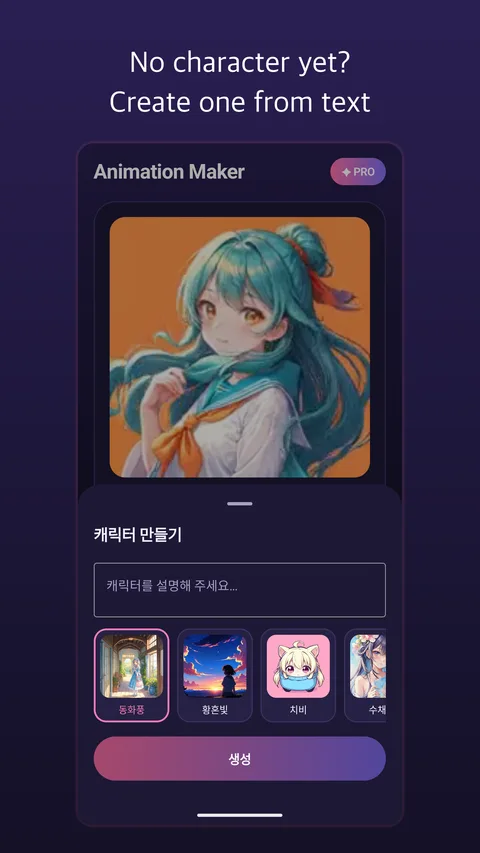
Character Generator & Photo-to-Anime
No drawing on hand? Describe a character in text across 6 anime styles or convert a real selfie into anime art before animating.
Talking Characters & Custom Motion (PRO)
Write custom motion prompts for specific scene direction or make your character speak lines with synchronized audio.
What people create with Animation Maker
Animating Original Characters (OC) & AI Art for Reels, Shorts, and TikTok
Take a static digital illustration from Procreate or an anime image generated in AI Anime and add gentle wind in the hair, subtle eye expressions, and cinematic camera movement—turning a flat PNG into an engaging vertical video clip.
Converting Real Selfies into Anime Opening Scenes
Transform a portrait or couple photo into one of 6 distinct anime art styles first, then immediately apply a smile, wave, or breeze preset so you appear as the protagonist of your own animated scene.
Creating Talking Character Intros for Web Novels, VTubers, and RPGs
Generate a brand-new character from a text description, then use PRO custom motion prompts and voice dialogue generation to produce short teaser clips where your character introduces themselves out loud.
Making Looping Live Wallpapers & Animated Profile Videos
Apply subtle atmospheric motion—like drifting petals, glowing lights, and swaying hair—to aesthetic anime artwork and save the MP4 clip as a dynamic lock-screen wallpaper or Discord/social profile video.
FAQ
What app can turn a static anime drawing or illustration into a moving video?
Animation Maker converts a single static anime illustration, character drawing, or photo into a smooth animated video clip using AI. It detects the character's face, hair, outfit, and background to add natural movement and camera motion on both iOS and Android.
Do I need separated PSD layers like Live2D to animate my character?
No. You do not need to cut up eyes, mouth, or hair into separate layers. A single flat JPG or PNG image is all Animation Maker needs to synthesize natural 2D/2.5D character motion.
What if I don't have an anime illustration ready to upload?
You can create one right inside the app. Animation Maker includes a text-to-character generator supporting 6 anime art styles as well as a photo-to-anime converter, so you can design a character and animate it in one seamless workflow.
Can I control how the character moves or make the character talk?
Yes. You can pick from 8 curated motion presets (such as gentle smile, wind in hair, waving hello, dramatic zoom, and cinematic camera pan) with one tap, or upgrade to PRO to write custom motion prompts and generate talking character clips with voice audio.
Can I animate images made in AI Anime (sdanim) or AI Beauty?
Absolutely. Any image saved to your phone from AI Anime, AI Gen, AI Beauty, or your own drawing apps can be imported directly into Animation Maker and turned into an MP4 video clip.
Where are the finished videos saved?
Completed animations are saved directly to your device's camera roll as high-resolution MP4 files, ready to post on Instagram Reels, YouTube Shorts, TikTok, or X.
All generated videos are AI-synthesized creative works. Please only upload artwork or photos you have the right to use.
Bring your favorite character art to life.
Download free on the App Store and Google Play.